Works offline
Create and edit events without a connection. Changes sync on their own when you are back online.
All your calendars in one place. ZmanIA Calendar brings Google, Outlook, Microsoft 365, iCloud and every CalDAV calendar together in a fast desktop app that keeps working offline.
 ZmanIA Calendar–▢✕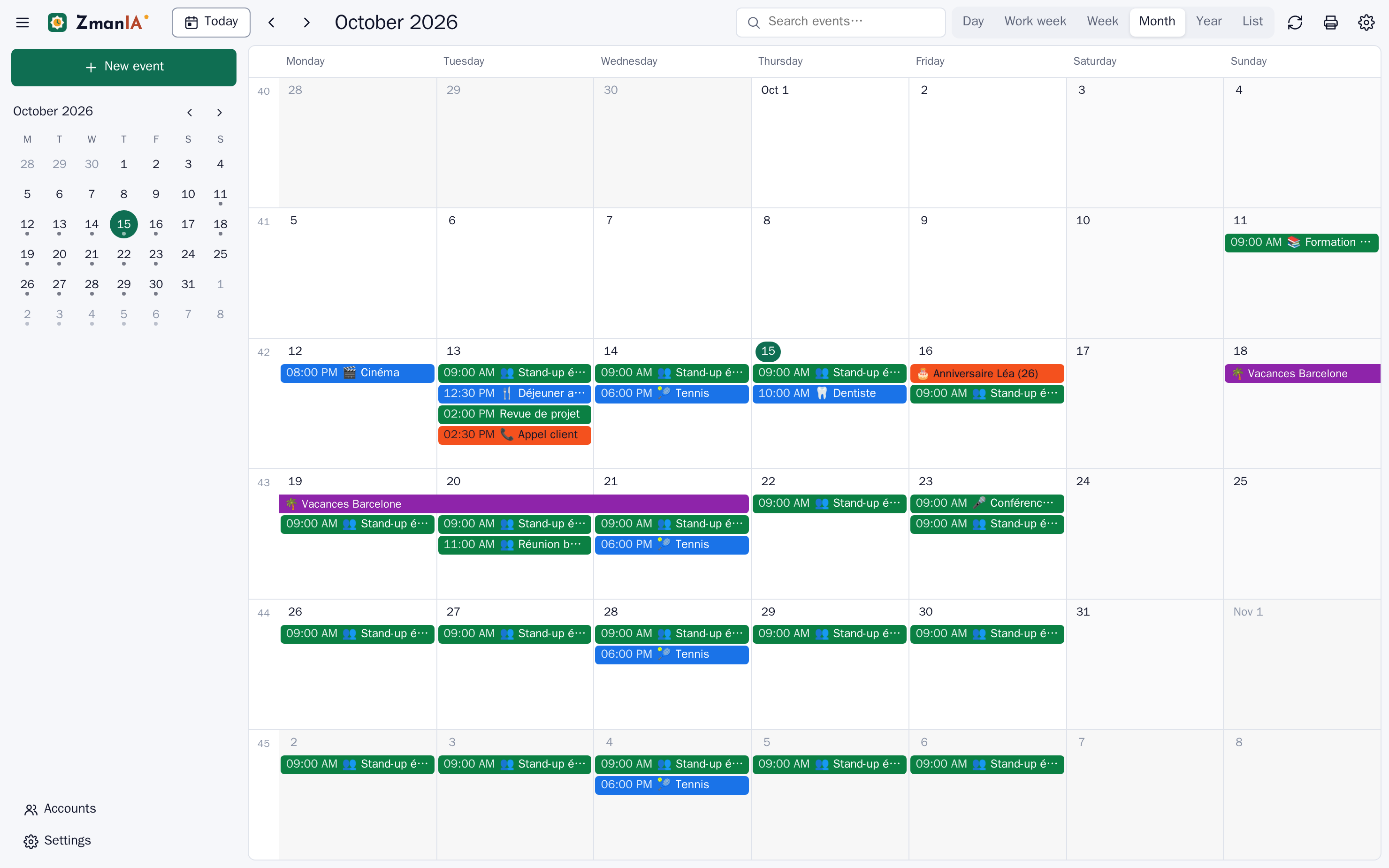
Switch between day, work week, week, month, year and agenda with one key. Drag events to move them, drag the bottom edge to resize.
ZmanIA Calendar–▢✕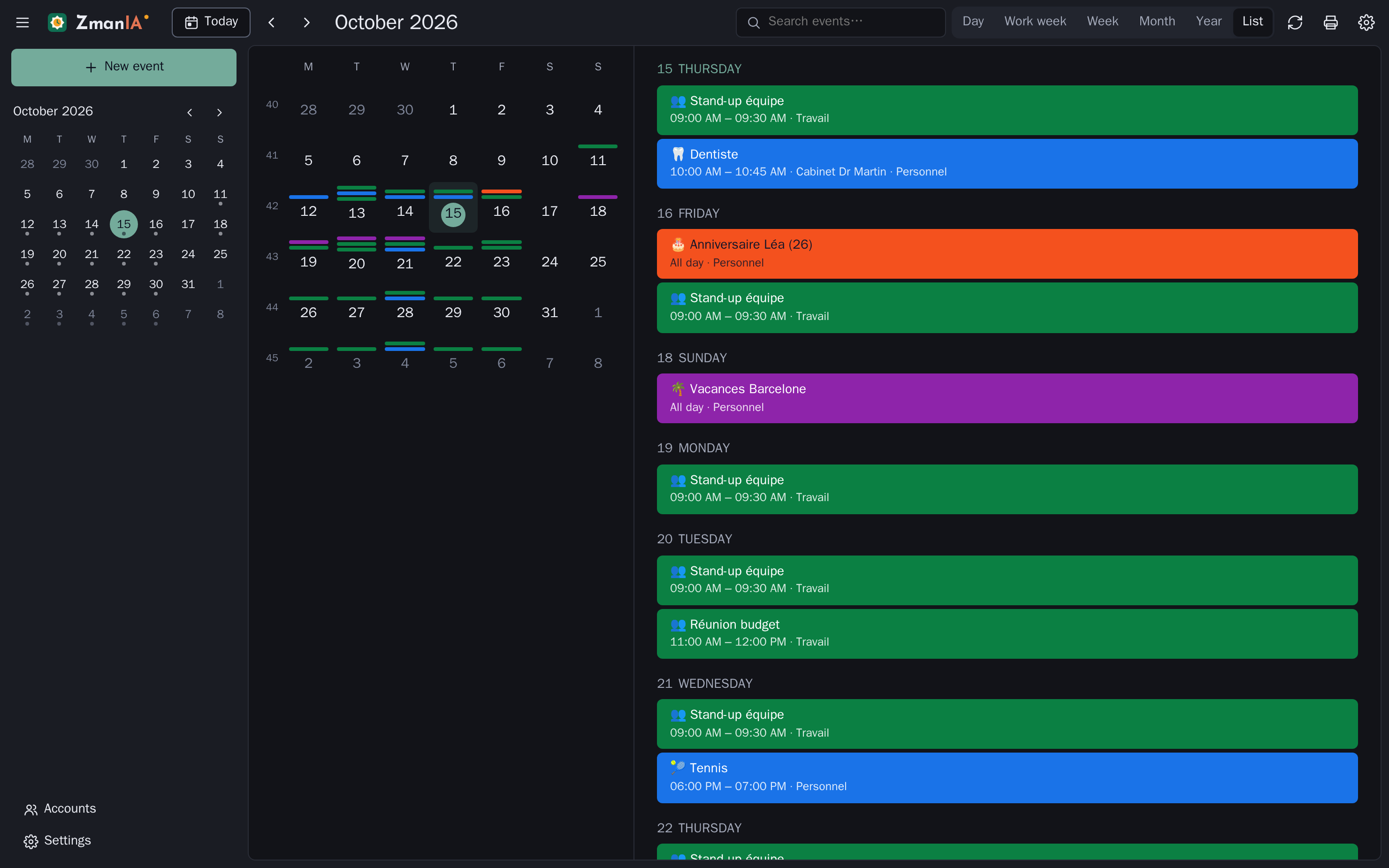
Connect as many accounts as you like, choose which calendars to sync, and give each one its own color.
ZmanIA Calendar–▢✕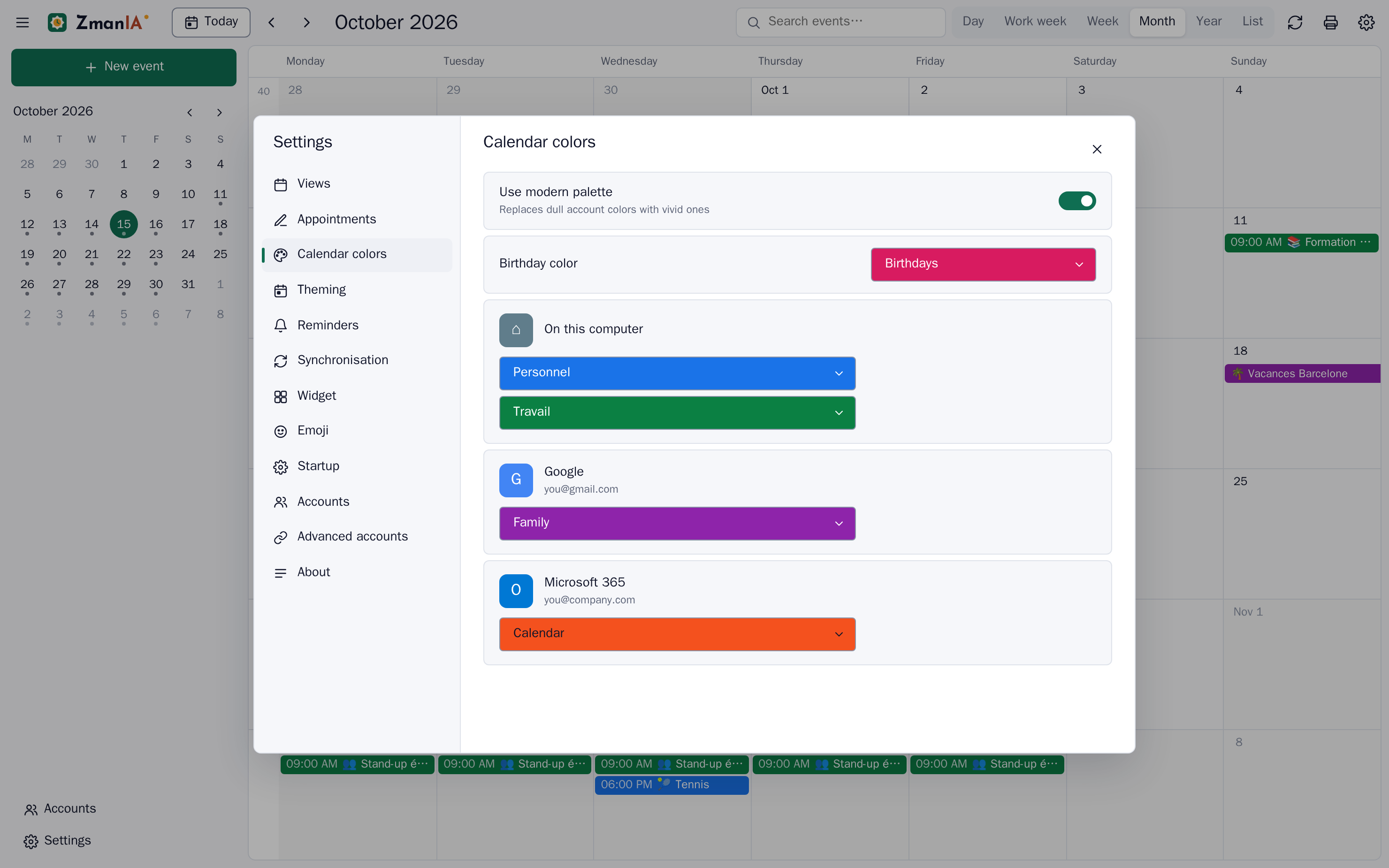
Pick a view and a date range, then send it to your printer or export a clean A4 PDF for the fridge or the team board.
ZmanIA Calendar–▢✕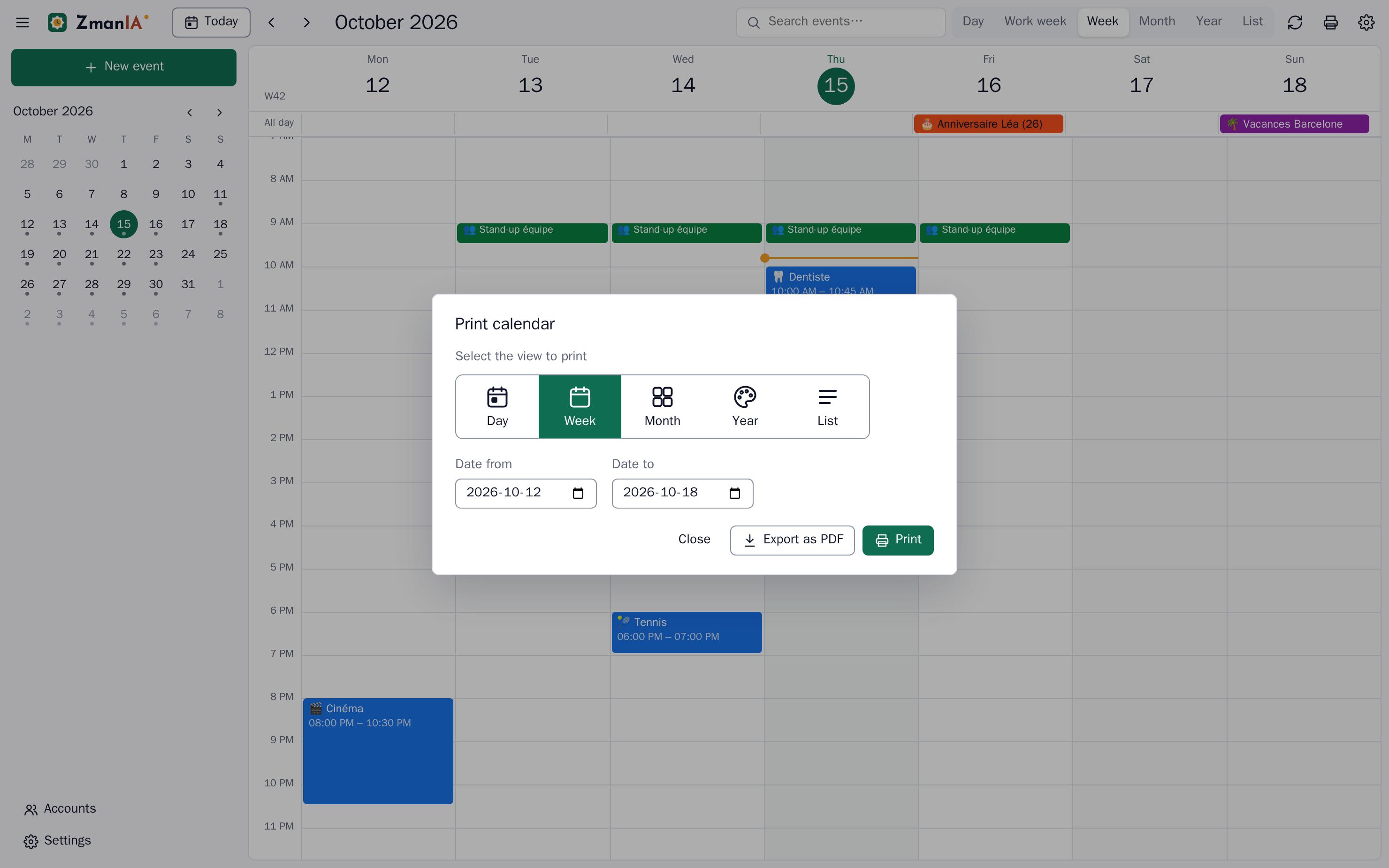
Create and edit events without a connection. Changes sync on their own when you are back online.
Keep the next days in a corner of your desktop, with adjustable opacity and an always-on-top option.
Native notifications before each event, even when the window is closed to the notification area.
Invite people by e-mail and share an event through WhatsApp, e-mail or an .ics file.
No ZmanIA Calendar server. Your calendars sync directly with your providers, and passwords are encrypted by Windows.
N for a new event, T for today, D W M Y L for views, Ctrl+F to search, Ctrl+P to print.
Install it once: new versions download and install on their own.
More info → Run anyway.On your PC, in your Windows profile. ZmanIA Calendar talks directly to Google, Microsoft, iCloud or your CalDAV server; there is no ZmanIA Calendar cloud in between.
ZmanIA Calendar is not yet signed with a paid code-signing certificate, so SmartScreen treats it as unknown. Click More info → Run anyway once. The Microsoft Store version, coming soon, installs without this warning.
Create an OAuth client once in Google Cloud or Microsoft Entra and paste its ID in Settings → Advanced accounts. For read-only access, add the calendar’s secret iCal address instead; it takes two minutes.
No. The installed app downloads new versions on its own and installs them when you restart it. Accounts and settings stay in your profile.
Yes. You can read, create and edit events offline. ZmanIA Calendar keeps a queue of changes and sends them when the connection comes back.